
The agent meets the bench.
Real hardware.
Controlled operations.
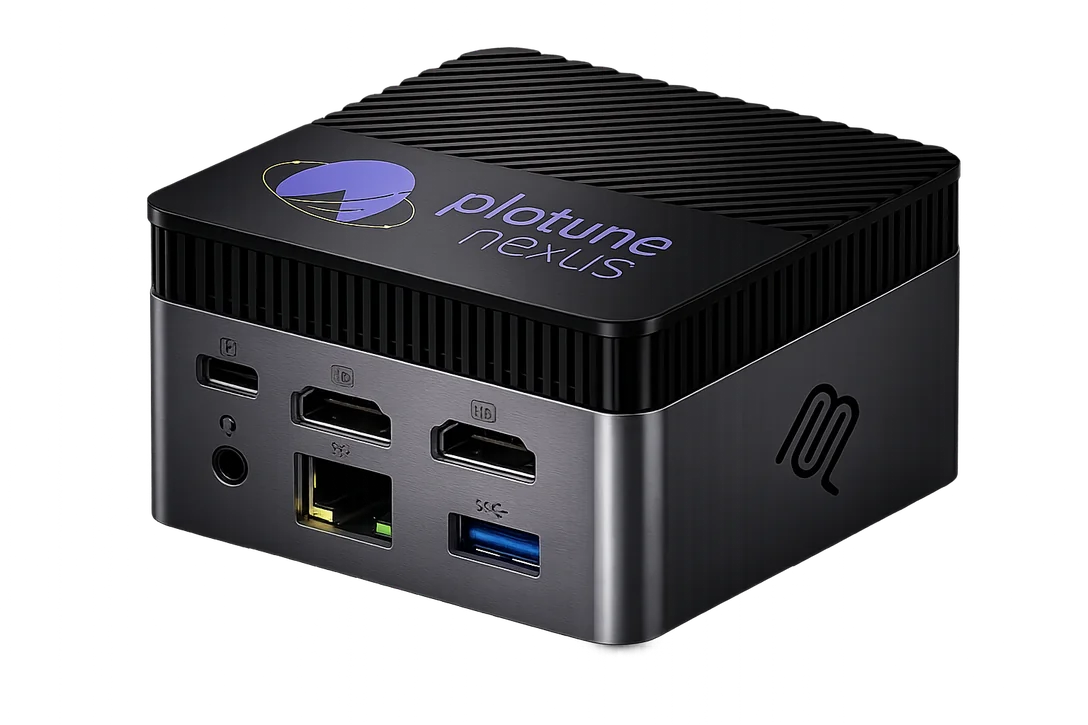
Nexus connects AI agents to physical engineering and test systems through MCP. Hardware interaction and first-write artifacts happen on the appliance; cloud services support routing, identity and export.
4 quick questions · about 30 seconds · no sign-up
One controlled surface.
A physical result.
Requests a bounded operation
Applies access and execution controls
Interfaces with connected equipment
Conceptual workflow. No hardware is connected.
Conceptual flow. Available operations depend on transport, connected hardware, access and configuration.
Speak the language
of your system.
Use the supported transports on your bench, rig or vehicle. Check the documented native, container and scale-up tiers before choosing hardware.
Explore connectivity →- CAN / CAN FD
- Linux CAN transports for bus interaction and capture.
- UART
- Serial interfaces, including RS-485 and modem-control lines.
- XCP
- CAN and Ethernet transports with different supported operations.
- UDS / DoIP
- Diagnostics through reachable network and CAN transports.
- ROS 2 / DDS
- Join an existing DDS domain, discover topics and record evidence.
Discover. Execute.
Record what happened.
- 01
Inspect the system
Discover the available interfaces and current state before requesting an operation.
- 02
Run a bounded operation
Use the relevant MCP tools and job controls within the configured access and execution limits.
- 03
Keep the evidence
Return status, metadata and retrieval paths for locally recorded logs, traces and artifacts.
04 / Read the engineering details
Know the boundary.
Local-first operation is documented alongside cloud dependencies, hardware compatibility and current constraints. Start with the architecture and security model.
Read the Nexus documentation →Rent it for a project.
Or keep it.
Monthly rental or one-time purchase, with full functionality either way. See the options and what they cost for your project.
Start with your test environment
Map Nexus
to your bench.
Not sure it fits yet? Tell us about your hardware, interfaces and first workflow.